Digital Menu Board for Restaurants
Put your menu on the screen customers actually look at — using the TV you already own. Screenza is digital signage for restaurants that imports your menu from a photo or PDF, designs it with AI, schedules it by daypart, and gets you live in about 15 minutes.
No credit card required. Free plan available.
What is a digital menu board?
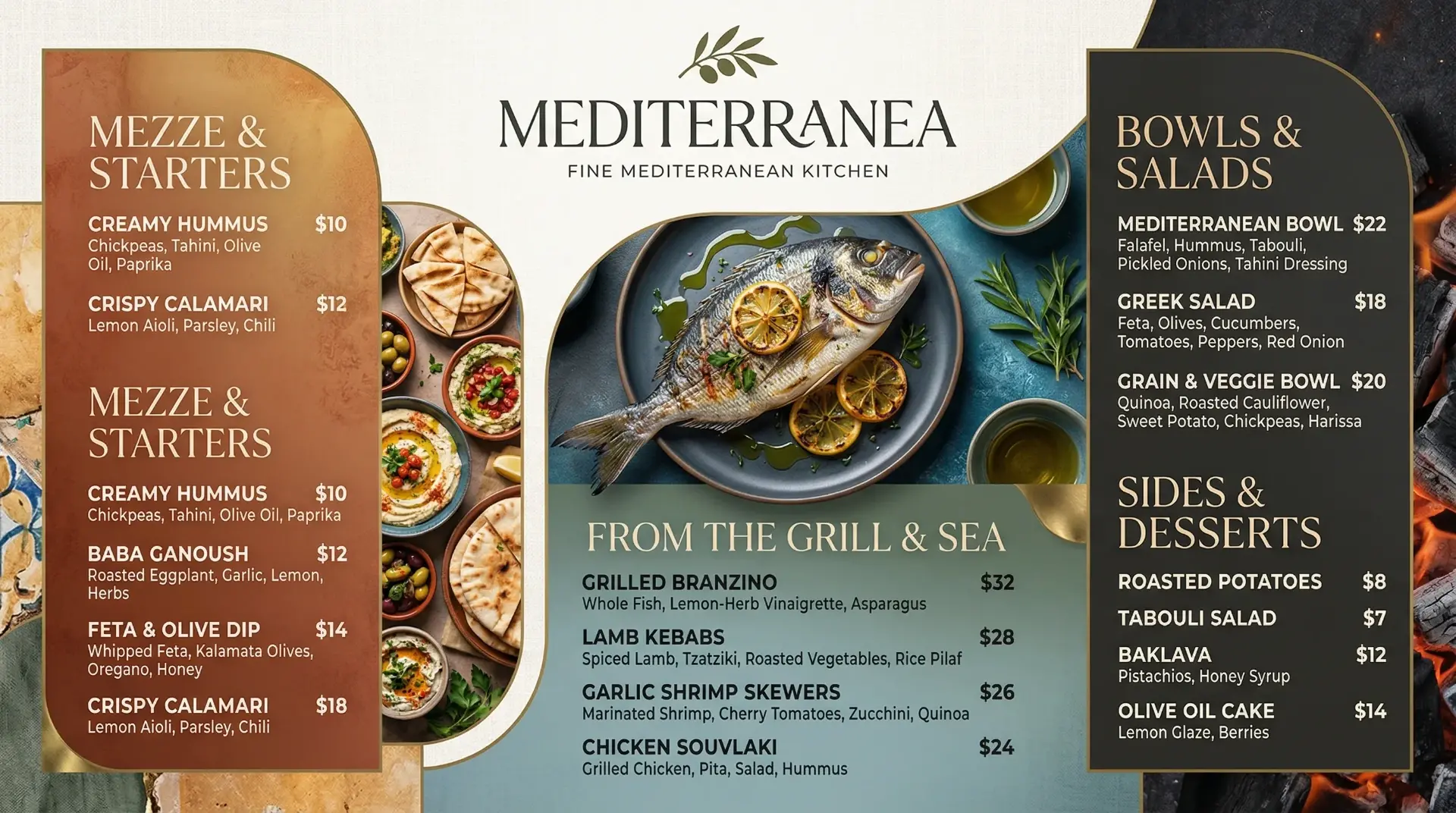
A digital menu board is a screen that shows your restaurant’s menu, prices, and promotions — and can change in seconds.
A digital menu board replaces the printed board behind your counter with a TV or display that plays a designed menu. Instead of reprinting whenever a price changes, you edit your menu once in a dashboard and the screen updates — across one location or fifty.
You may also hear the same thing called a restaurant menu screen or full screen menu signage — it is the same idea: one or more screens showing your menu, prices, and promotions instead of printed boards. Software like Screenza adds the parts that make it worth the switch: designed layouts, promotional images and video, automatic daypart changes, and one place to manage every screen.
How digital menu boards work
You keep menu items, prices, and descriptions in one place. Screenza turns that menu into a screen-ready board and sends it to any TV with a browser or the free player app. Choose a full screen menu signage layout that fills the whole display, or a split layout that shows a menu alongside a promotion. When you publish a change, the screens refresh automatically — no installer, no USB stick.
New to the idea? Read the full guide to what a digital menu board is and how it works.
Digital menu board vs. a printed menu
A printed menu is fixed the moment it leaves the printer. A digital menu board is not. Update a price in the morning, swap in a lunch offer at noon, and switch to dinner without printing anything. Food photography and motion help your highest-margin items stand out instead of blending into a list. See the full side-by-side breakdown in Screenza vs. paper menus.
- Change anything in seconds — prices, sold-out items, and specials.
- Schedule by daypart — breakfast, lunch, happy hour, and dinner rotate on their own.
- Stay consistent everywhere — one branded layout on every screen.
- Skip the reprints — no design fees, no print runs, no wasted boards.
How it works in 4 steps
Add your menu. Snap a photo of your printed menu or upload a PDF and let AI import the items and prices, or type them in yourself.
Generate your visuals. Create a designed menu board and promo banners with AI, or upload your own photos and video.
Build a playlist and schedule. Arrange menus and promos in a loop, then set dayparts so the right content shows at the right time.
Go live. Open the screen URL on any TV or install the free player, and manage everything from one dashboard.
Set up a screen menu for your restaurant on the TV you already own.
Turn the TV you already own into a menu board
You do not need a commercial signage system or a proprietary media player. If you have a TV, you have almost everything you need. Screenza runs in a browser or through the free player app, so the screen you already own becomes a managed menu board.
What hardware you need
Any TV or monitor with an HDMI input, plus a device that can open a web page: a mini PC, a streaming stick, a laptop, or a smart TV with a built-in browser. Prefer a dedicated setup? Install the free Screenza player on an Android device or HDMI stick and it boots straight into your board.
Set up in about 15 minutes
Most restaurants go from sign-up to a live screen in about 15 minutes. Add your menu, let AI design the board, build a quick playlist, and point a screen at your URL. Start on the free plan and upgrade only when you add screens.
Everything you need to run menus on screen
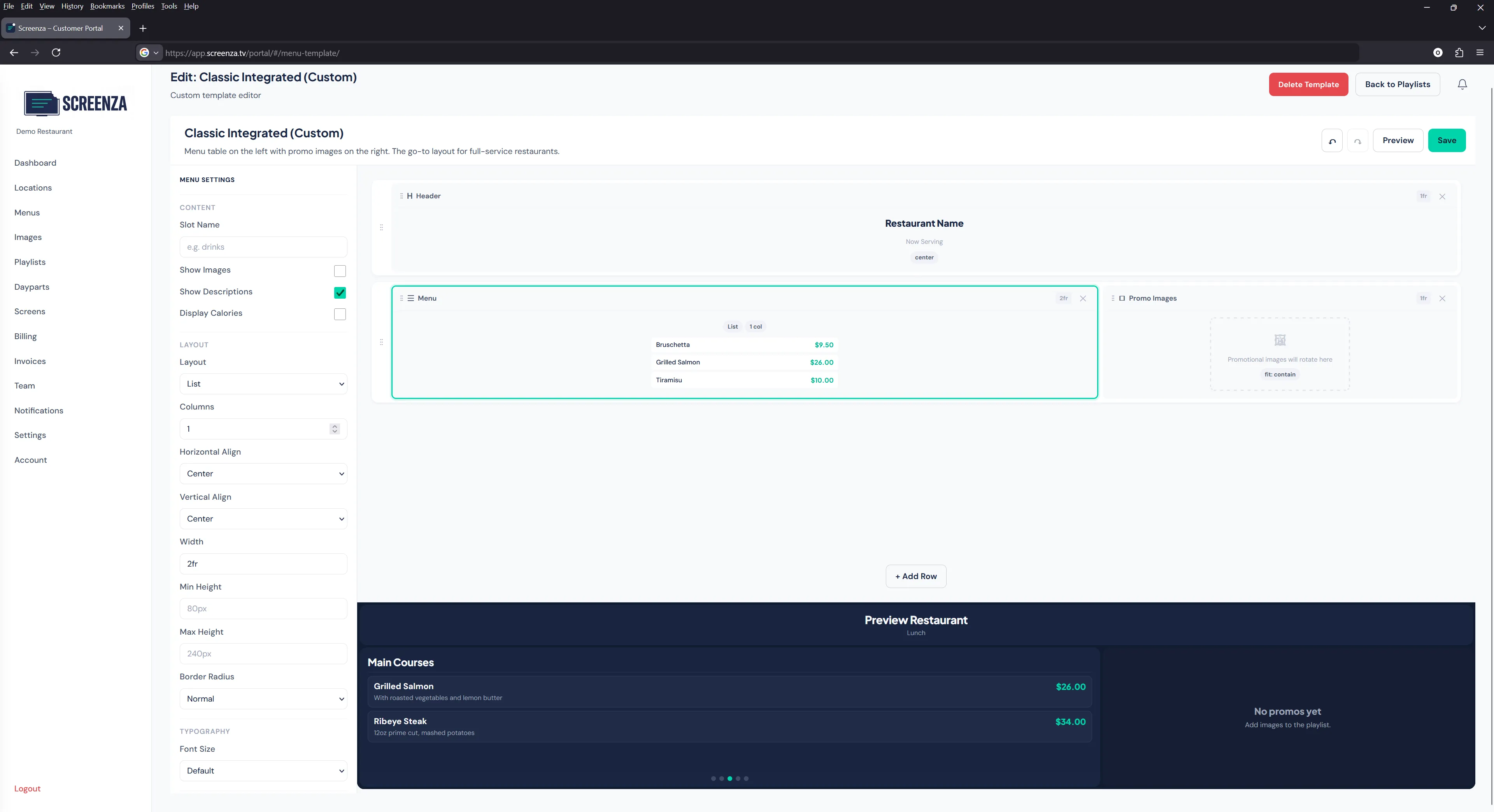
From importing your menu to keeping screens running through an internet hiccup — it is all built in.
Import a menu from a photo or PDF
Stop retyping your menu. Snap a photo of your board or upload a PDF and AI reads the items and prices into editable menu data you can adjust.
AI-generated menu and ad visuals
Generate photorealistic menu boards, promotional banners, and short looping videos in seconds. You get studio-quality visuals without a photographer, a designer, or stock photos.
Daypart scheduling
Define breakfast, lunch, happy hour, and dinner windows. Screenza swaps menus and promotions automatically, so the right offer is on screen at the right time. See how digital weekly specials rotate on their own.
Multi-location management
Run every screen in every location from one dashboard. Push a brand-wide menu or promo everywhere at once, then let each location adjust what it needs.
Works offline
Your boards keep playing through internet hiccups. Content is cached on the screen, so a dropped connection does not leave your customers staring at a blank TV.
Update once, everywhere
Change a price or swap a special, publish, and every screen picks it up. No reprints, no USB drives, and no one walking the floor to update each board. Learn how restaurant digital signage content management works.
Digital menu boards for every kind of food business
One platform fits a counter-service line, a coffee bar, and a food truck.
Quick-service restaurants
Keep the line moving with clear, appetizing boards that highlight combos and add-ons. Update a sold-out item in seconds instead of pulling a printed sign down.
Cafes and coffee shops
Show drinks, pastries, and seasonal specials in a layout that matches your brand. Swap in a morning menu, then a lunch menu, without printing a new board.
Food trucks
Run a bright board from a screen and a small device, update prices from your phone between stops, and keep working when the signal is unreliable.
Not sure where to start? Read the Getting Started guide for the step-by-step setup.
See digital menu boards in action
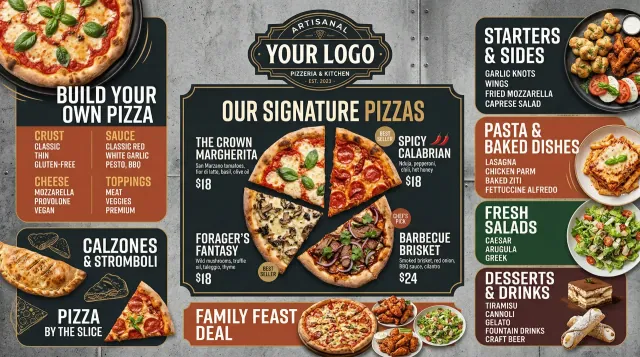
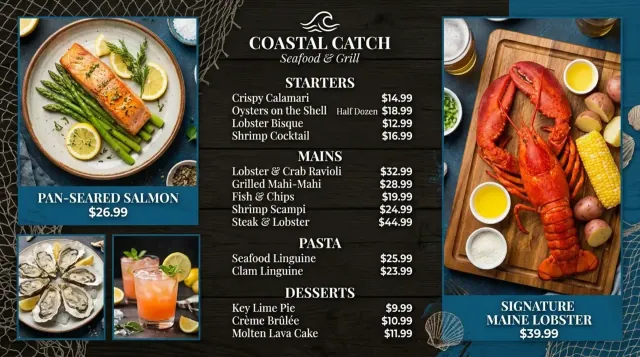
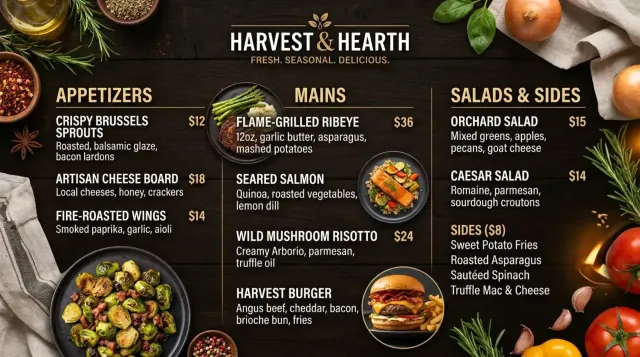
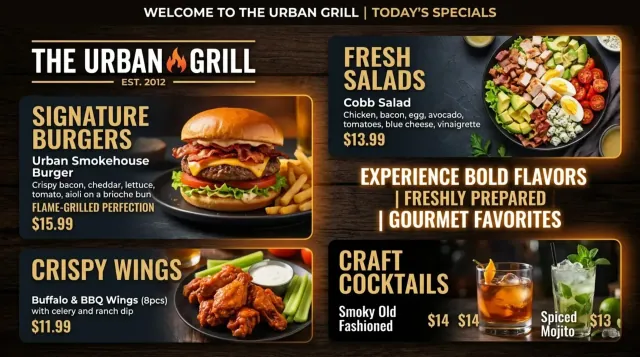
A few of the menu boards Screenza has generated. Browse the gallery for more.
Digital menu board pricing
Start free on one screen, then pay per screen as you grow. Cancel anytime.
Annual billing saves about 14%. Resources stack across screens. See full plan details on the pricing section.
Digital menu board questions
Short answers to the questions restaurant owners ask most. More on the full FAQ page.
Can I use my existing TV as a digital menu board?
Yes. Screenza runs on the TV you already own. Open your screen URL in a browser, or install the free player on an Android device or HDMI stick. You do not need a commercial signage system or proprietary media player.
How long does it take to set up?
Most restaurants are live in about 15 minutes. Add your menu, let AI design a board, build a short playlist, and point a screen at your URL. There is nothing to install if you use a browser.
Can I import my menu from a photo or PDF?
Yes. Take a photo of your printed menu or upload a PDF, and AI reads the items, descriptions, and prices into editable menu data. You review it, fix anything that needs a tweak, and publish.
Can my menus change automatically during the day?
Yes. Daypart scheduling lets you set windows for breakfast, lunch, happy hour, and dinner. Screenza switches between the menus and promotions you assign to each window without anyone touching a screen.
What happens if the internet goes down?
Your content is cached on the screen, so your board keeps playing through a dropped connection. When the connection returns, the screen syncs any changes you made offline.