Screen Menu for Restaurant
Put your menu on a screen customers actually read — using the TV you already own. Import your menu, let AI design the board, and have a screen menu running in about 15 minutes.
What is a screen menu?
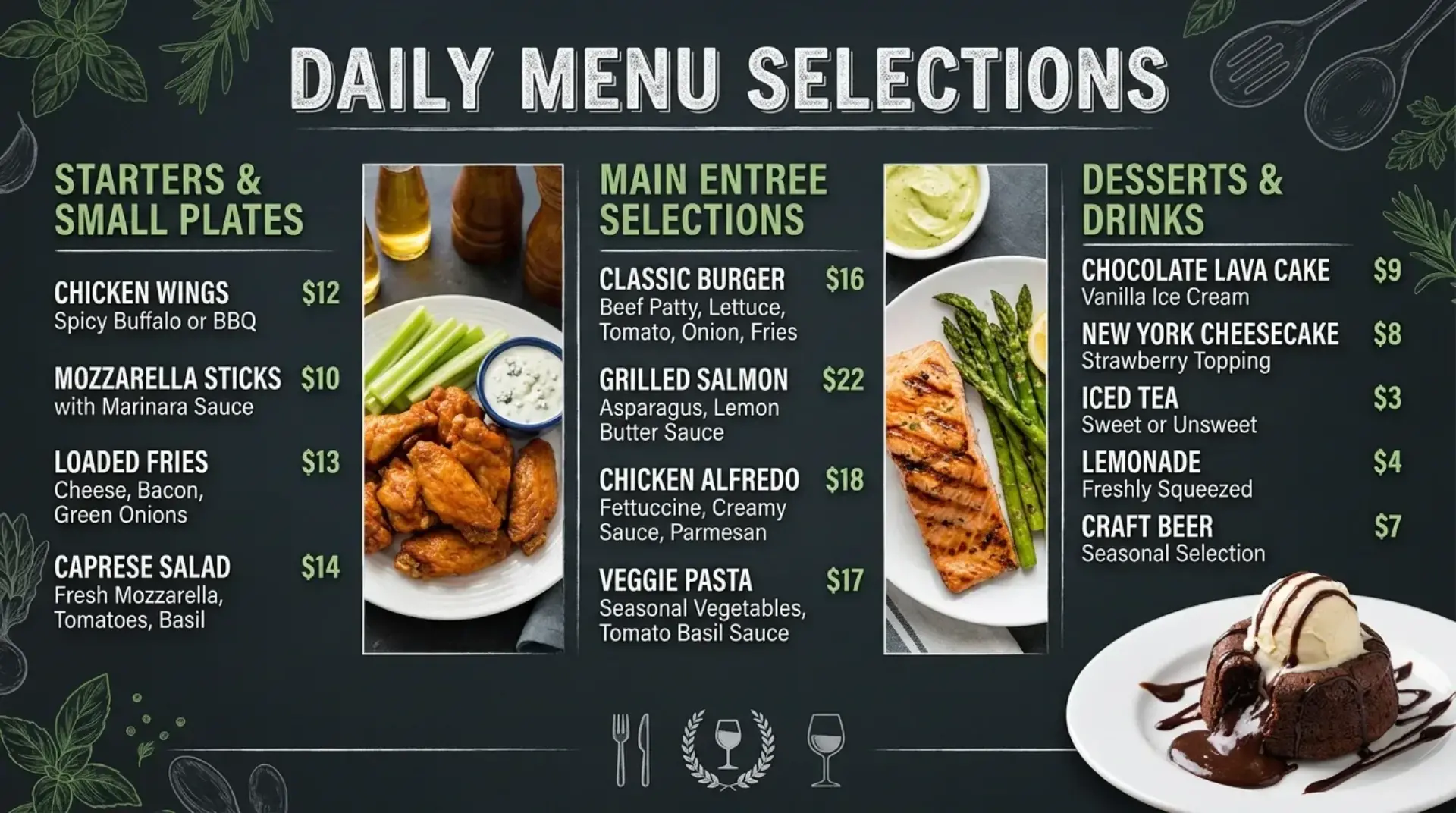
A screen menu is your restaurant menu shown on a TV or monitor instead of a printed board — typically behind the counter, on the wall, or in the window. Customers read it the same way they read a board, but you can change it in seconds and add food photography and motion that printed boards cannot match.
Screen menus are the most common form of digital menu board for counter-service restaurants, cafes, and fast-casual kitchens. They work anywhere customers decide what to order: above the register, at the pickup counter, on the wall of a dining room, or at the entrance. If you want the full definition first, start with what a digital menu board is.
With Screenza, the menu itself lives in a dashboard. You import items from a photo or PDF, generate a designed screen menu with AI, and publish it to a screen with a browser or the free player app.
Design a screen menu customers read from across the room
A screen menu fails when it copies a printed menu word for word. The text is too small, too dense, and customers order from the register instead. These are the rules we design Screenza layouts around.
Not sure where to start? AI generation creates a readable board from your menu data, and every template keeps type and spacing consistent.
How to build your screen menu
Most restaurants are live in about 15 minutes.
Import your menu. Snap a photo of your printed menu or upload a PDF. AI reads the items and prices into editable menu data, or you can type them in.
Pick a layout. Use a full screen layout for a clean menu, or a split layout that pairs the menu with a promotion. Choose a template and adjust colors and type.
Add visuals. Generate food photography and promo banners with AI, or upload your own photos. Add short videos if you want motion on screen.
Publish to a screen. Open your screen URL in any browser, or install the free player on Android or Windows. Updates appear in seconds.
What a screen menu costs to run
You do not need a commercial signage system. If you have a TV, a streaming stick, a mini PC, or an Android box, you have almost everything you need. Screenza runs in a browser or through the free player app.
Plan for the hardware you already own
The Free plan runs one screen with basic signage, the Starter plan is $16 per screen per month with AI visuals and no watermark, and annual billing saves about 14%. Plans are per screen, so a single counter screen starts on the free plan. See the full breakdown on the pricing section.
Running costs are the part owners ask about first, and the answer depends on how often your menu changes. Before you switch, compare it with paper menus — reprints, design time, and subscriptions side by side.
Add screens when you need them
Most restaurants start with one screen at the register and add a second screen, a window display, or a second location later. Nothing needs to be reinstalled — you add the screen and assign the menu.
Compare the alternatives in Screenza vs. paper menus, or browse screen menu examples for layout ideas.
Screen menu questions
What size TV do I need for a screen menu?
It depends on viewing distance, not the room. A 32-43 inch screen works for customers reading a few feet away at the counter; larger screens suit dining rooms and window displays seen from farther back. Screenza layouts scale to any 16:9 display.
Can a screen menu change by time of day?
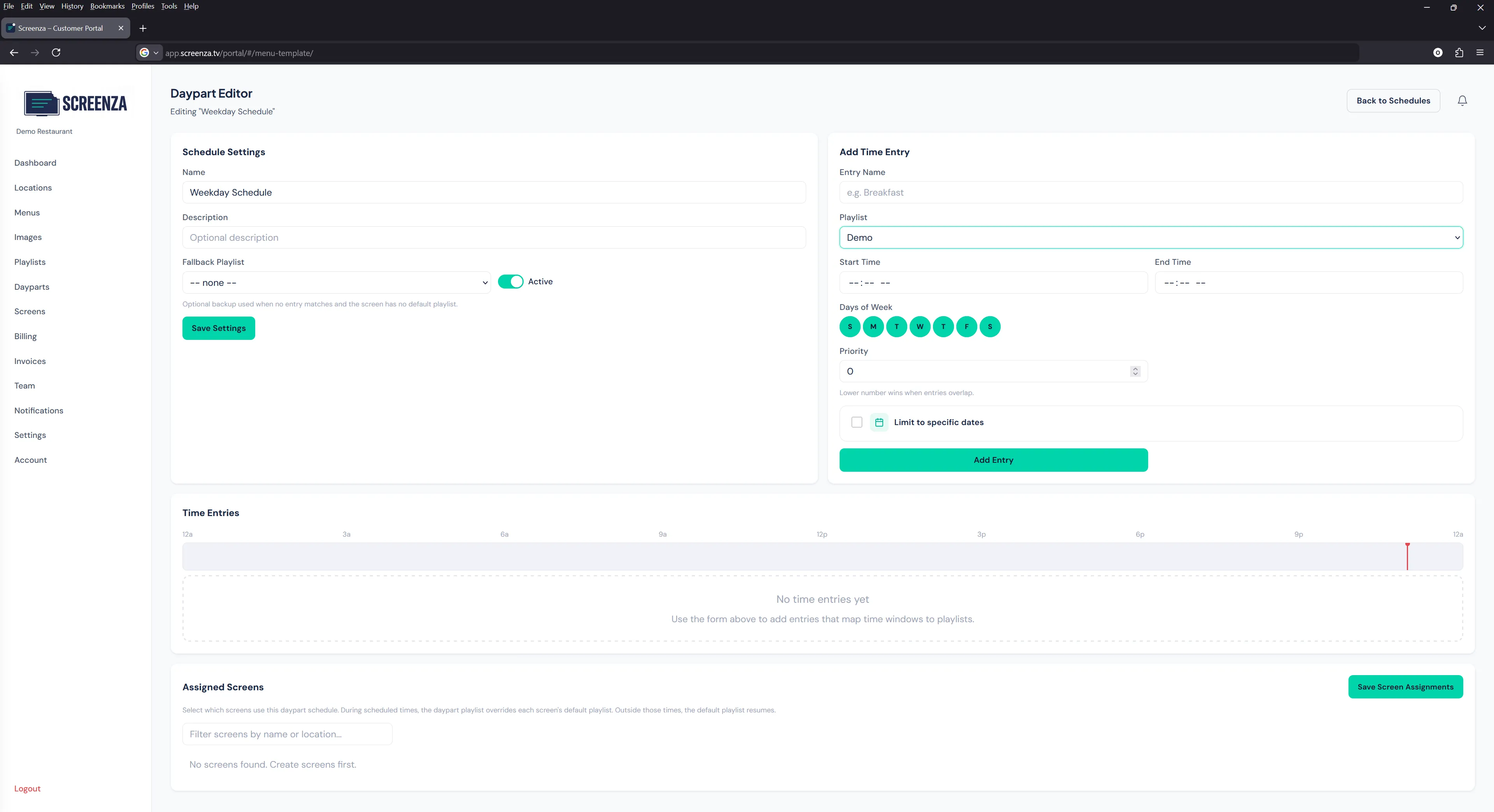
Yes. Daypart scheduling switches between breakfast, lunch, happy hour, and dinner menus automatically, so the right items and prices are on screen at the right time.
Do I need internet at the restaurant for a screen menu?
You need a connection to publish changes, but content is cached on the screen. If the internet drops during service, the screen menu keeps playing your last published menu.
Can I use the TV I already have?
Yes. Any TV or monitor with an HDMI input works with a browser device, a streaming stick, or the free Screenza player. You do not need to buy a commercial display to start.